SAS Hard Drive Enclosure
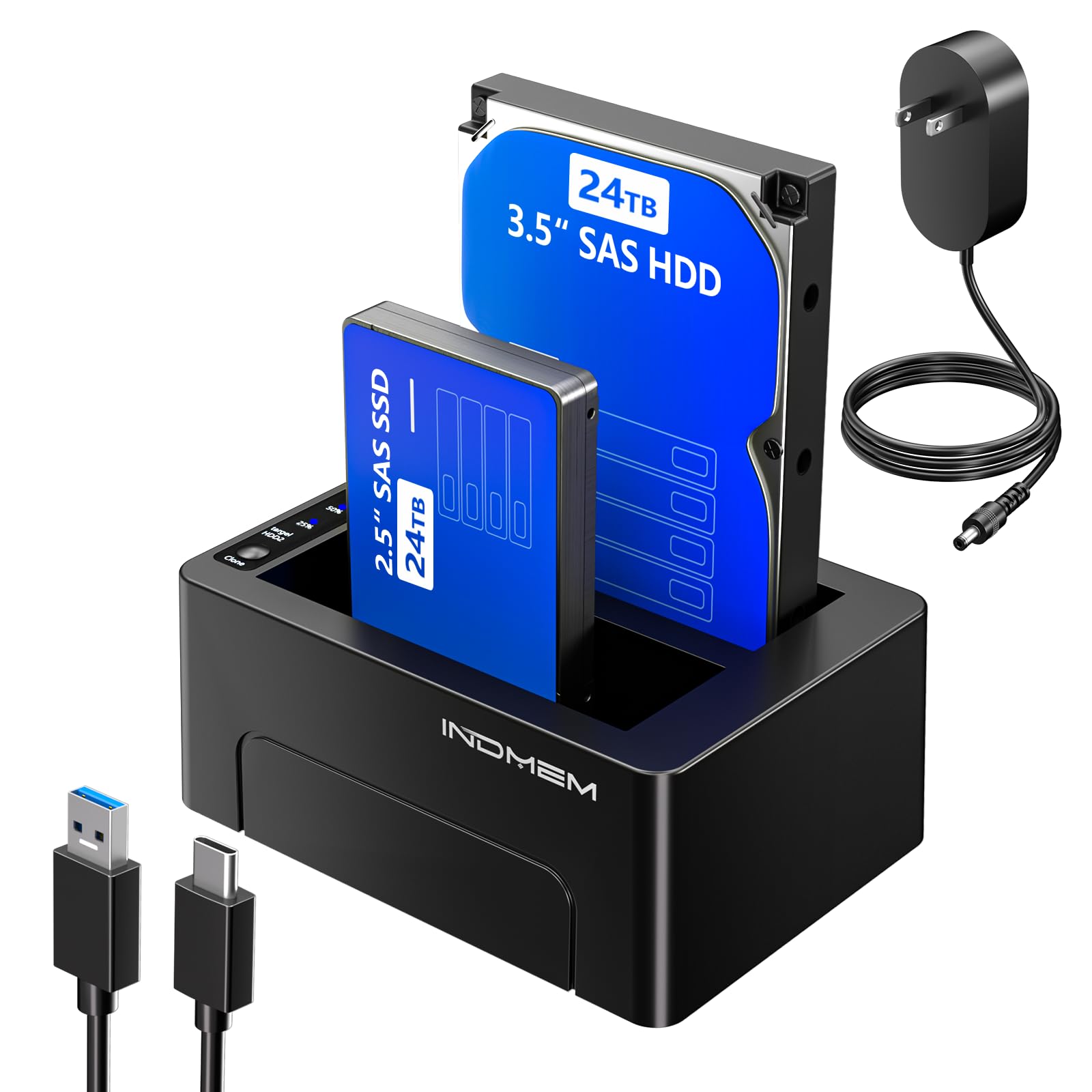
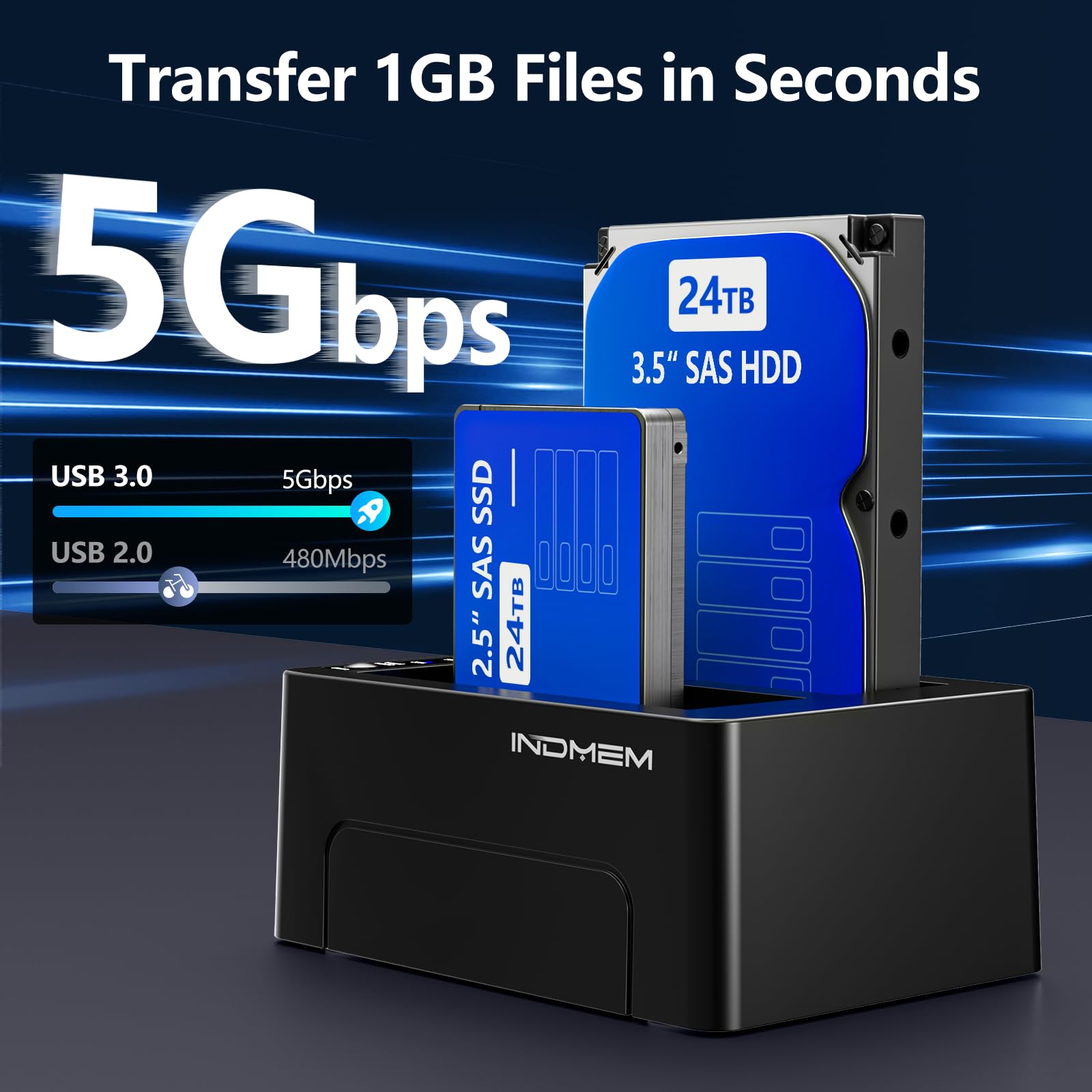
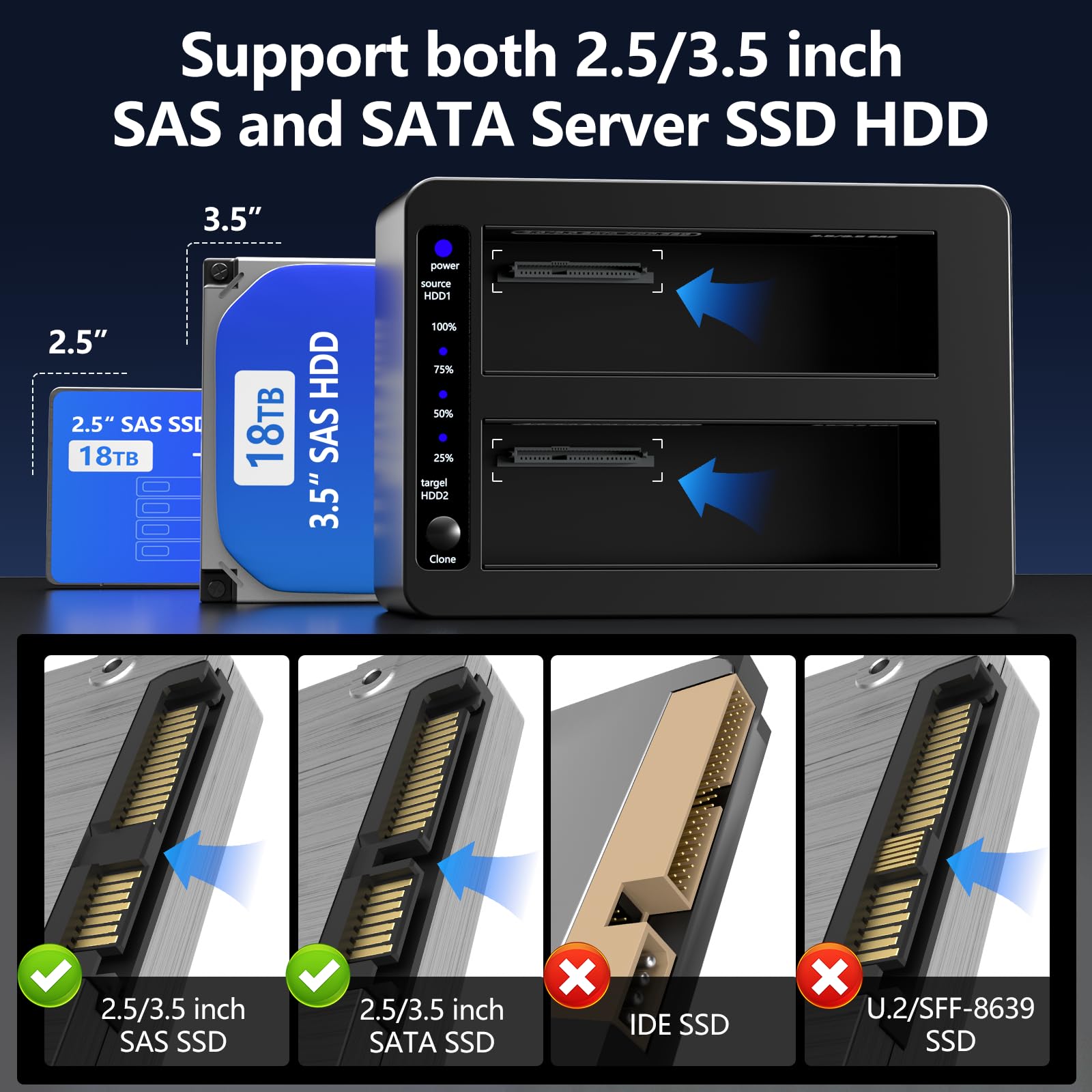
Dual Bay SAS to USB3.0 Hard Drive Docking Station with Offline Clone Function, 2.5
- Dual Bay Design
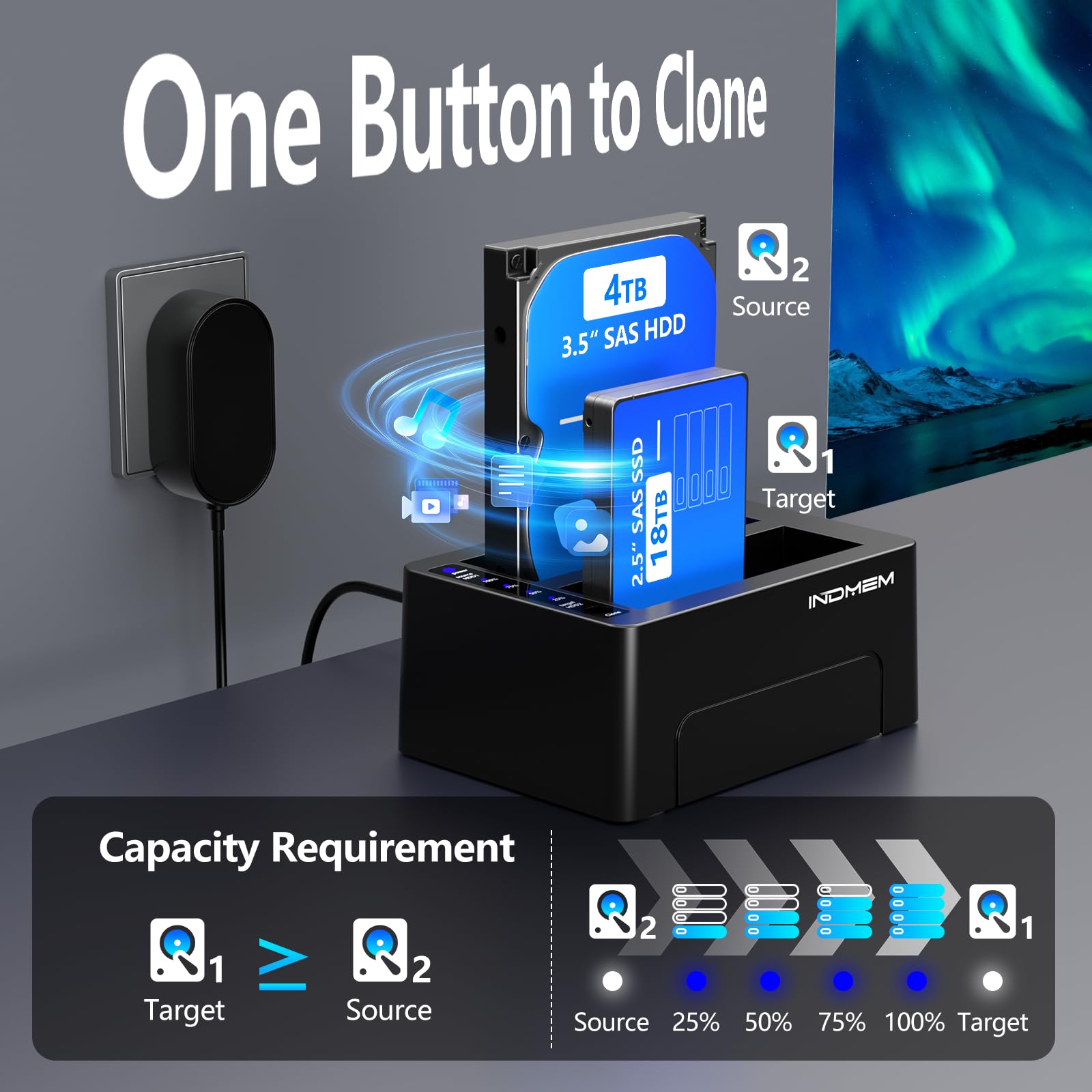
- Offline Clone Duplicator
- 2.5
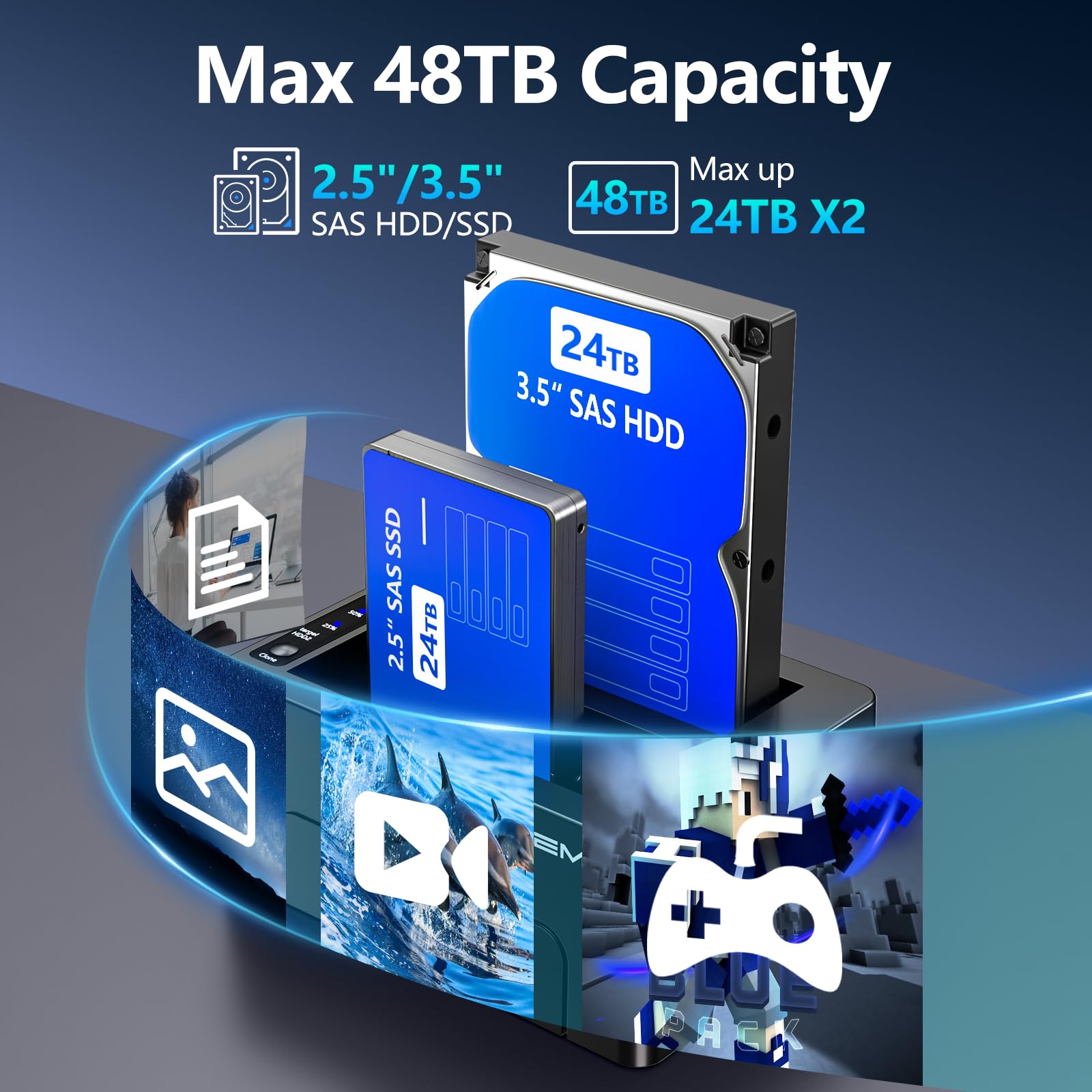
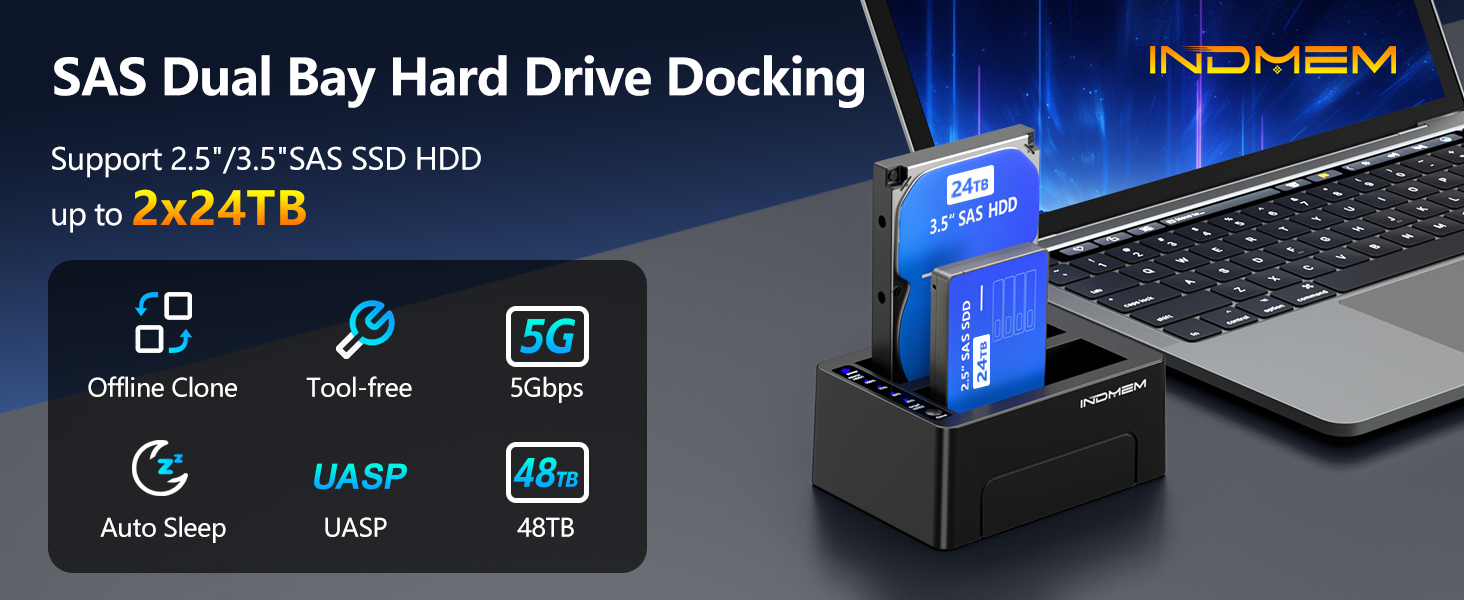
- Max Support 48TB,12V 4A Power
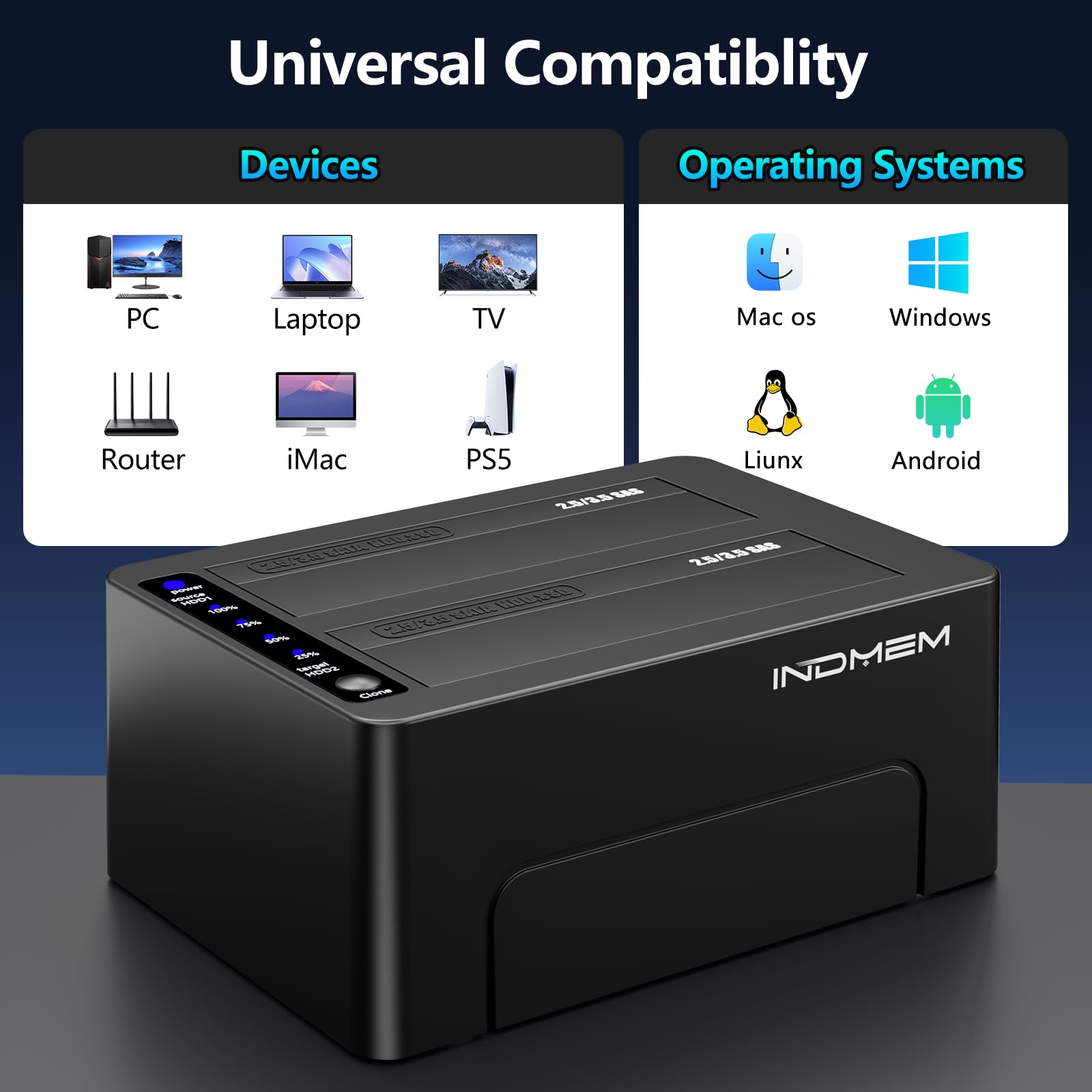
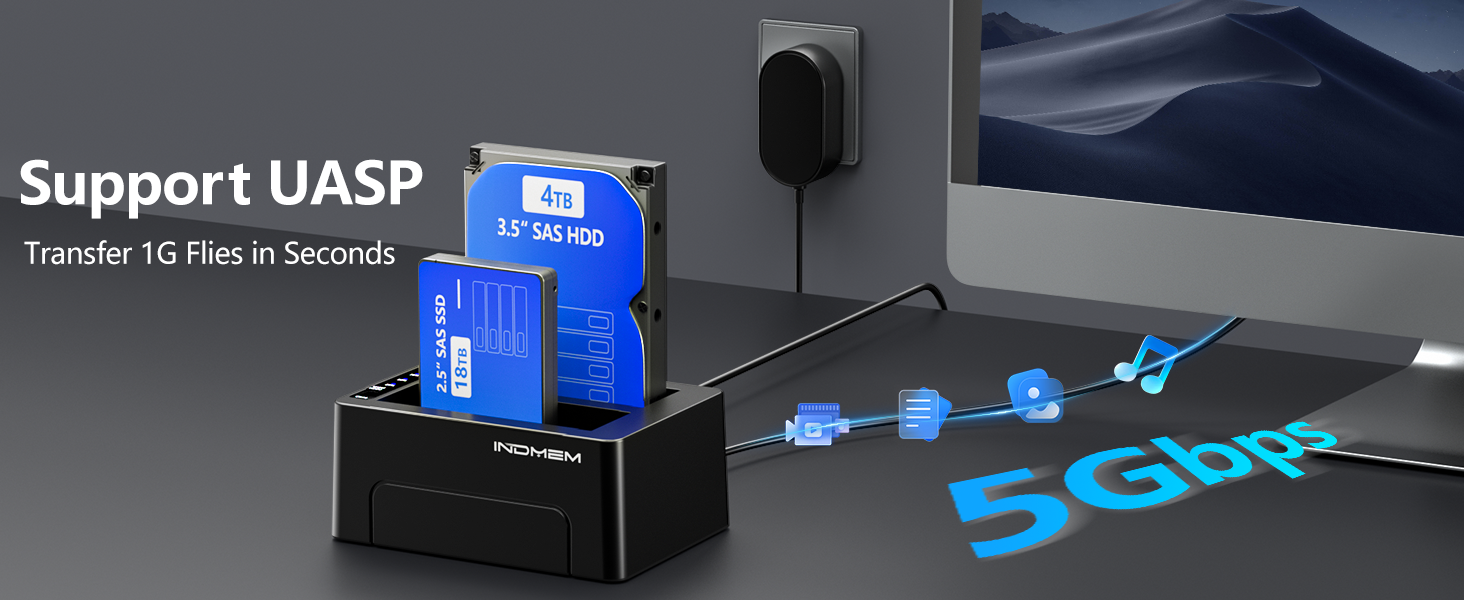
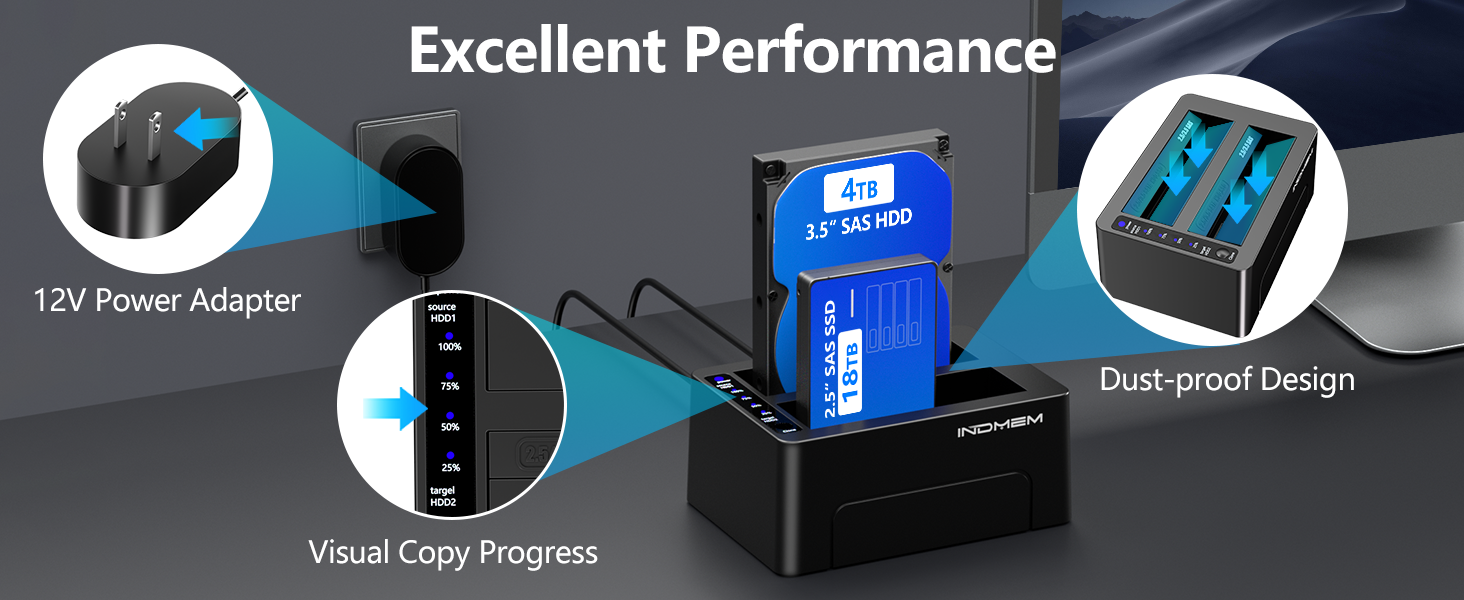
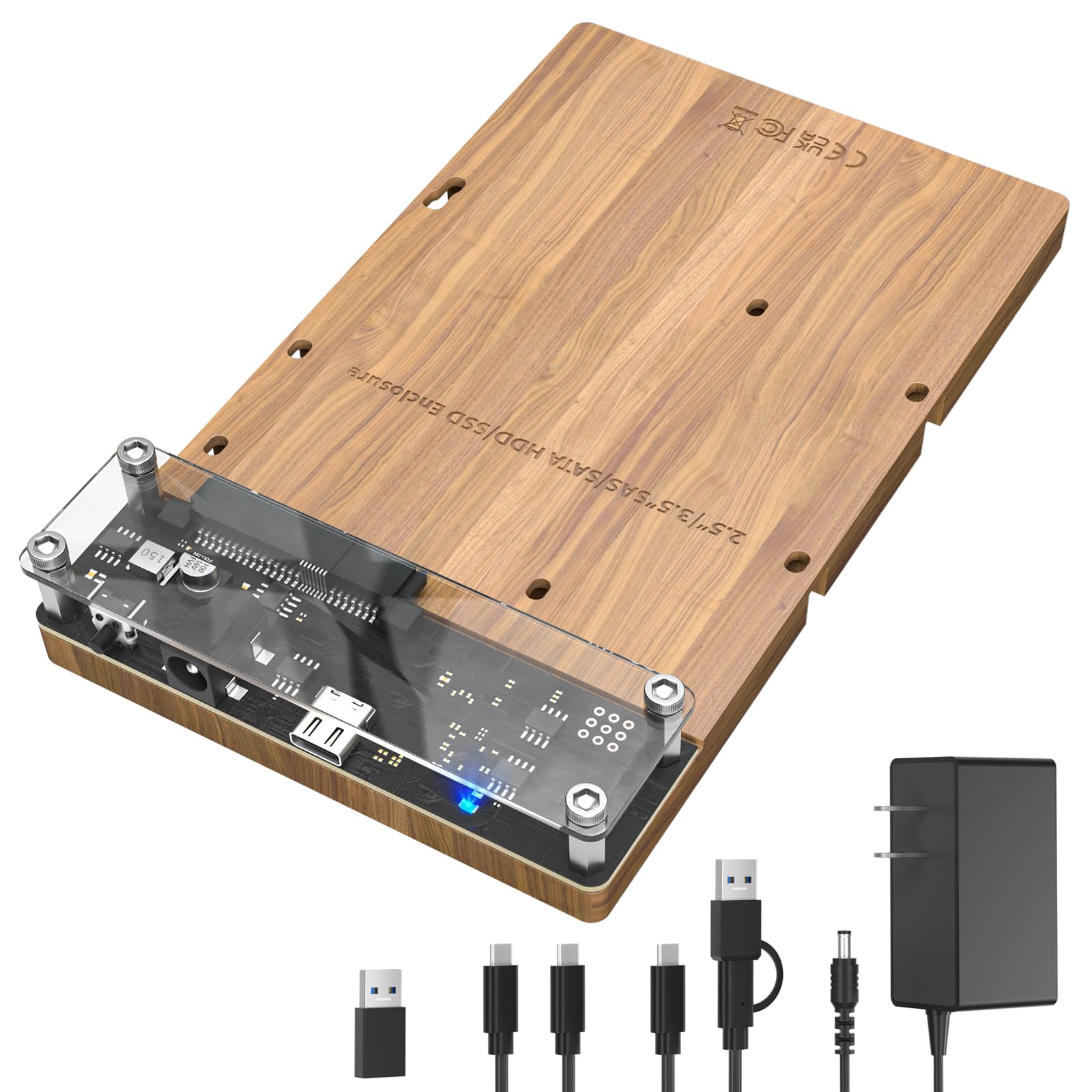
- Product description: Dual-bay SAS to USB3.0 docking station built-in offline clone function, works with 2.5"/3.5" SAS & SATA HDD SSD, equipped with 12V 4A adapter and supports total capacity up to 48TB.
Product Description
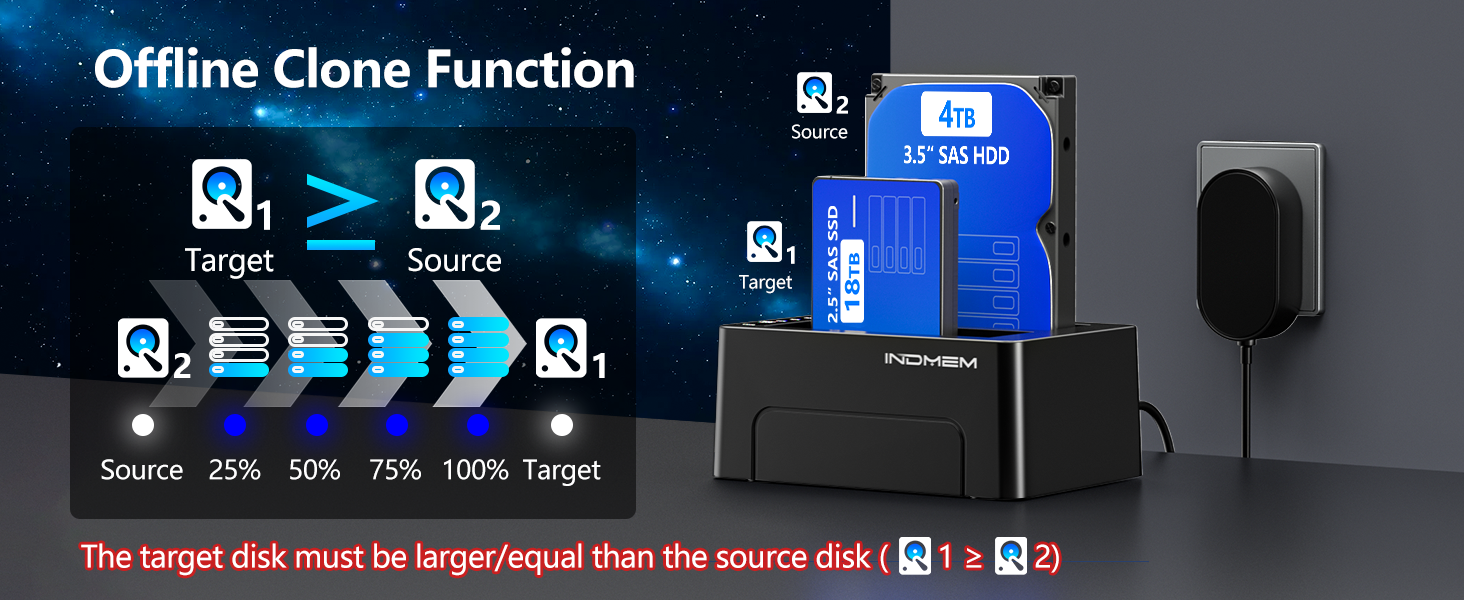
How to use Hard Drive Offline Clone Function?
- 1.Insert Source Disk into hard drive bay A, then insert Target Disk into hard drive bay B.
- 2.Make sure that the USB cable is disconnected from your computer.
- 3.Connect power supply and switch on power. Hold down the CLONE button, release when you see a Blue LED.
- 4.Then quickly press the CLONE Button. A Blue LED will flash on 25% indicating that the cloning process has begun.
- 5.The cloning process is complete when ALL the lights turn solid Blue (25%-100%).
- 6.Finally press the power switch to the OFF position and eject your drives.
Note:
- 1.The target disk B must be larger/equal than the source disk A.
- 2.To avoid data loss, do not try to insert or withdraw HDD or SSD when another hard drive is running.
Product Information
| Built-In Media | Power Adapter X1, SAS enclosureX1, Type-c adapter X1, USB type B to type A cable X1, User Manual X1 (SAS drive Not included) |
|---|
| Hardware Interface | USB 3.0 |
|---|---|
| Compatible Devices | Desktop |
| Total Usb Ports | 1 |
| Minimum Required Operating System Version | Windows 7 |
| Item Dimensions L x W x H | 5.7"L x 4.2"W x 2.5"H |
|---|---|
| Item Weight | 630 g |
| Color | Black |
|---|
 Send Email
 JCcms
JCcms JCcms
JCcms