NVMe Clone Enclosures
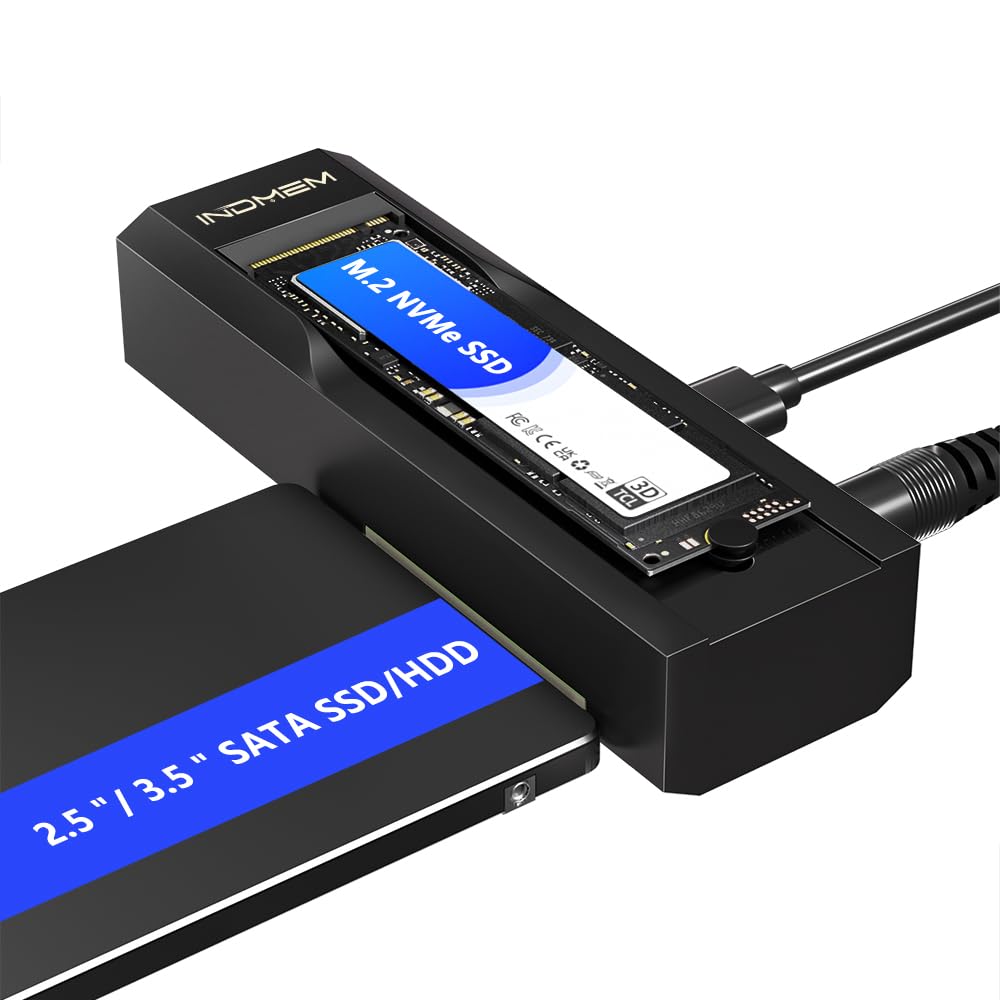
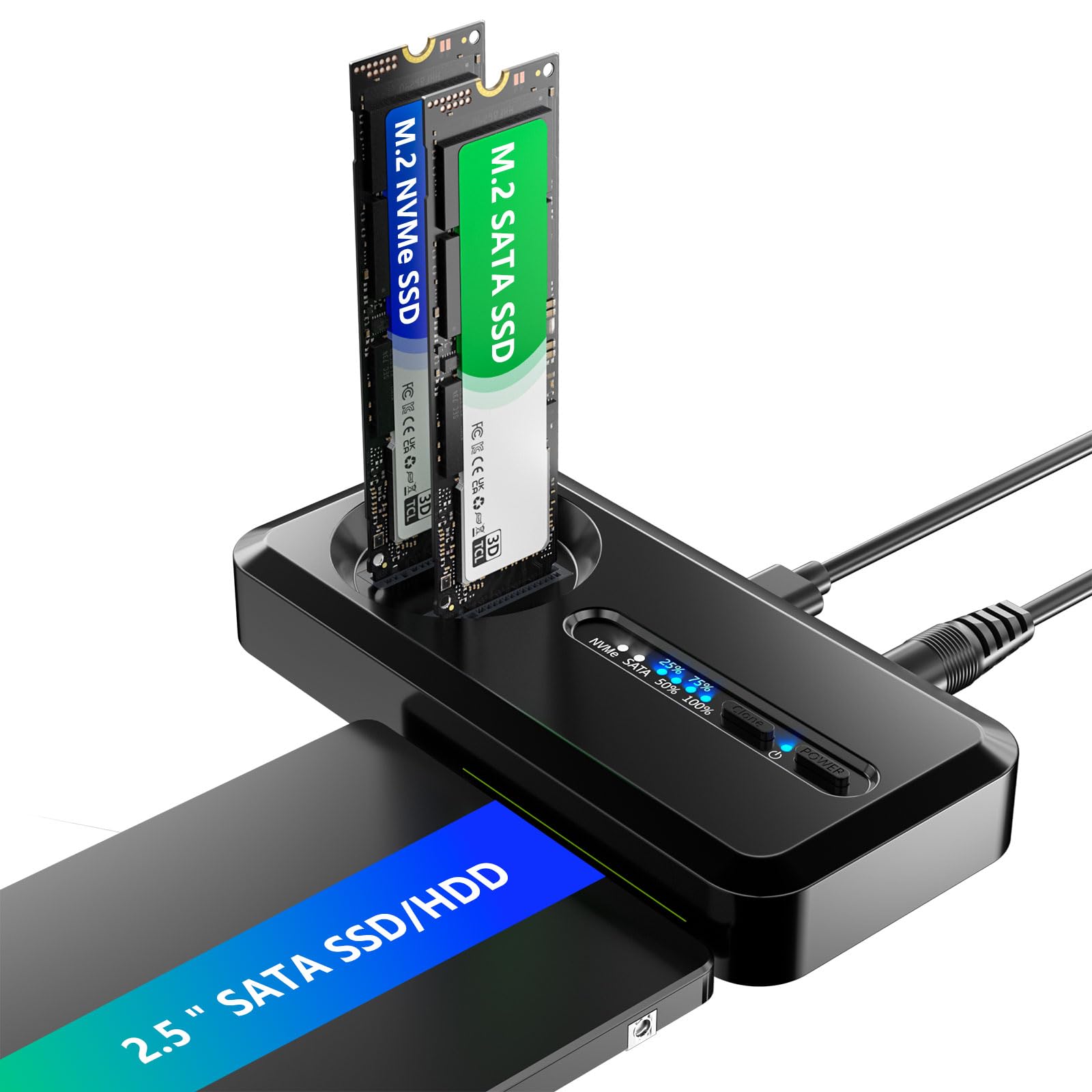
Dual Bay M.2 NVMe & SATA SSD Enclosure Adapter with Offline Clone, USB-C 10Gbps Duplicator for M.2 NVMe, 2.5
- Dual Bay Offline Clone Function
- M.2 NVMe + SATA Dual Protocol
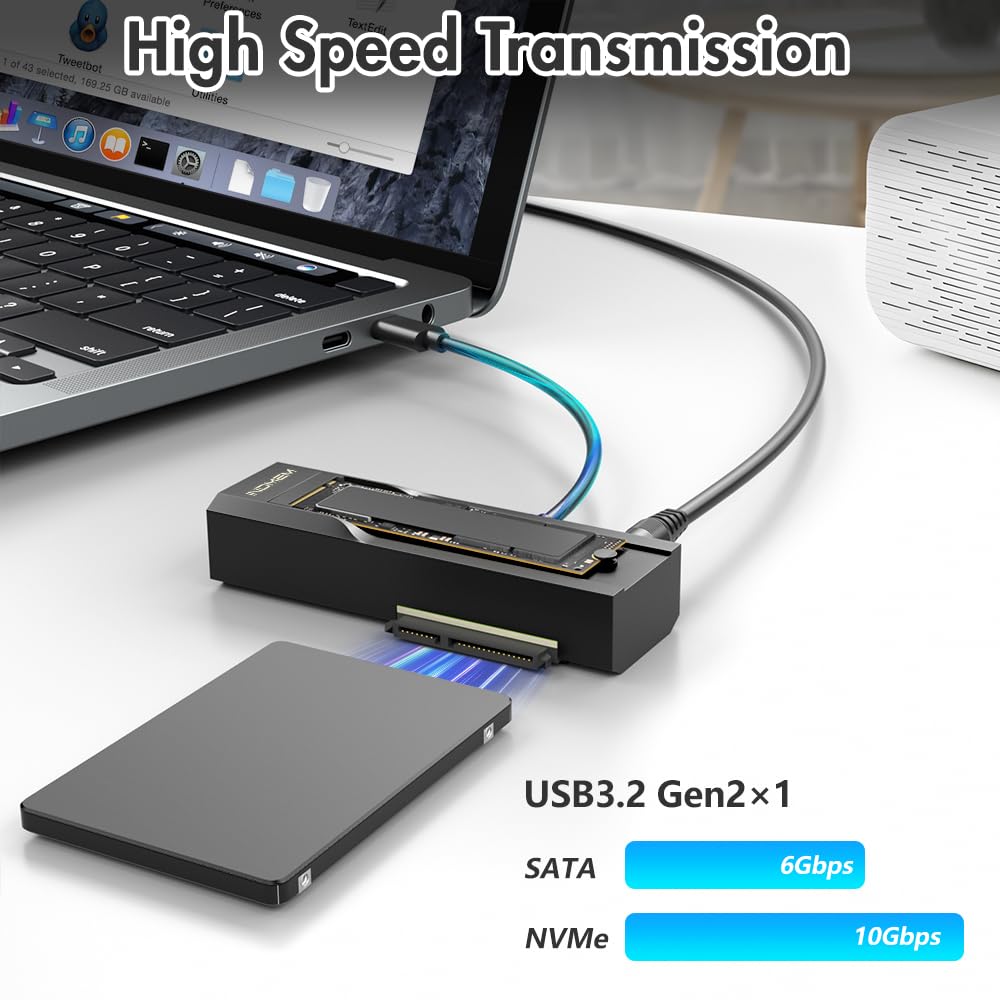
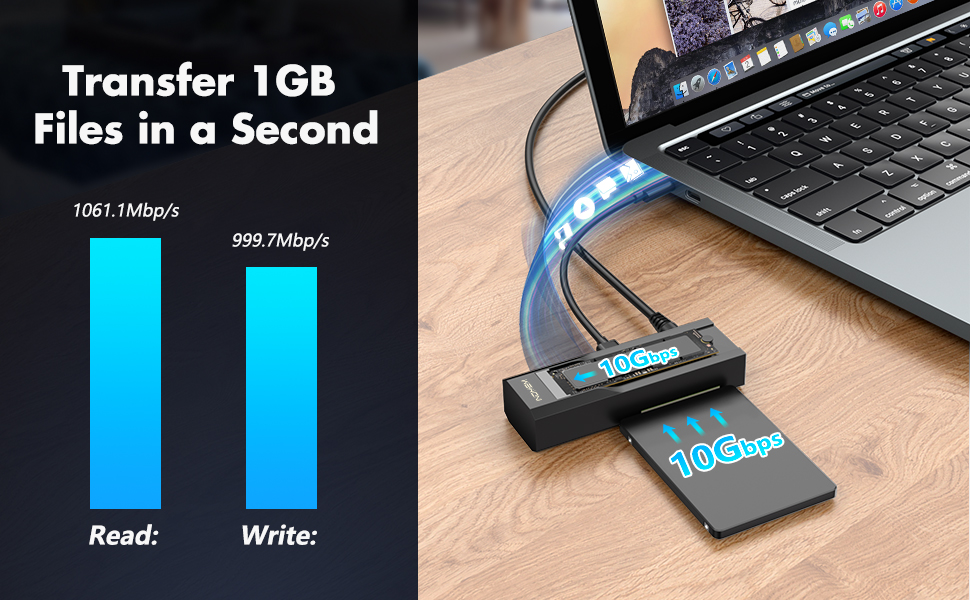
- USB-C 10Gbps Transfer Speed
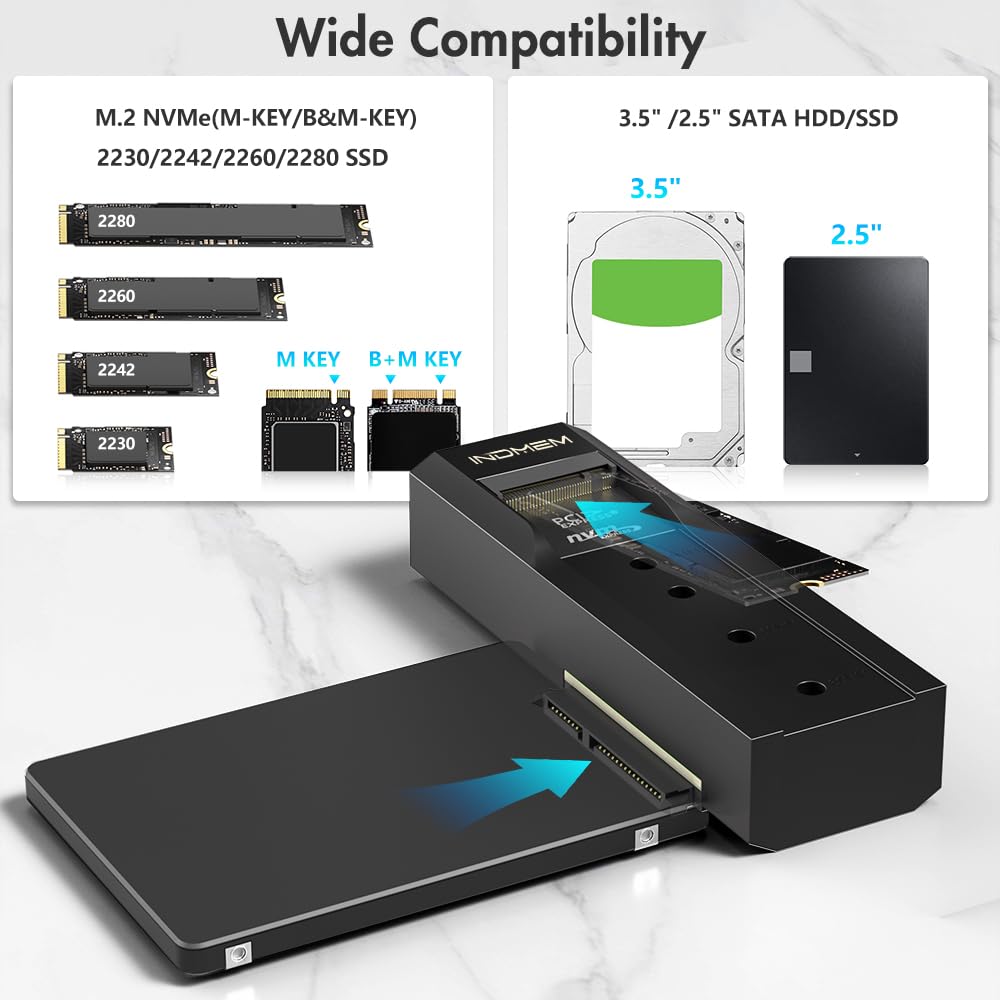
- Fit 2.5
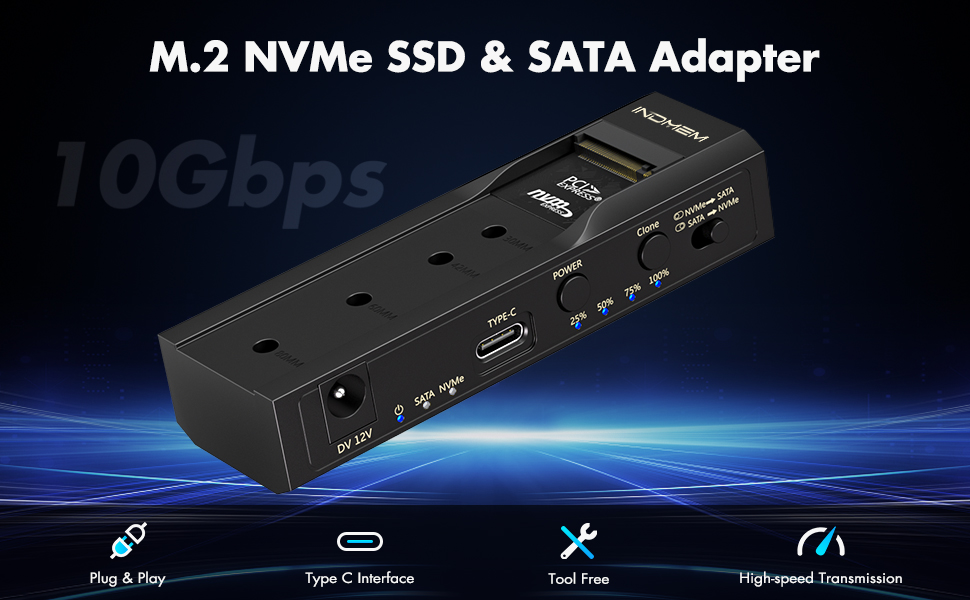
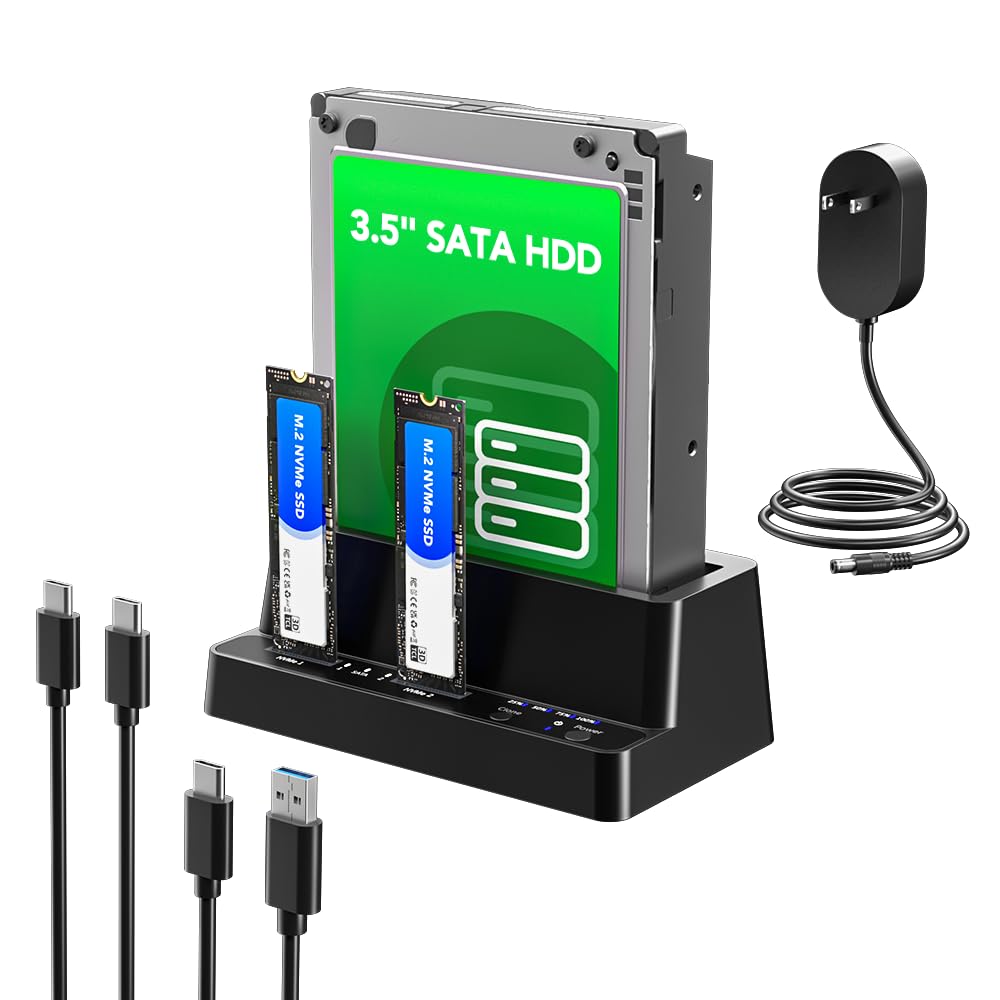
- Product description: Dual-bay USB-C 10Gbps enclosure supports M.2 NVMe and 2.5"/3.5" SATA SSD HDD, standalone offline clone duplicator enables disk copy without computer required.
Product Description
How to use the Hard Drive Reader?
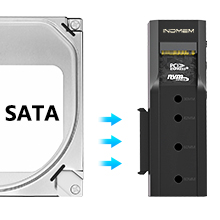
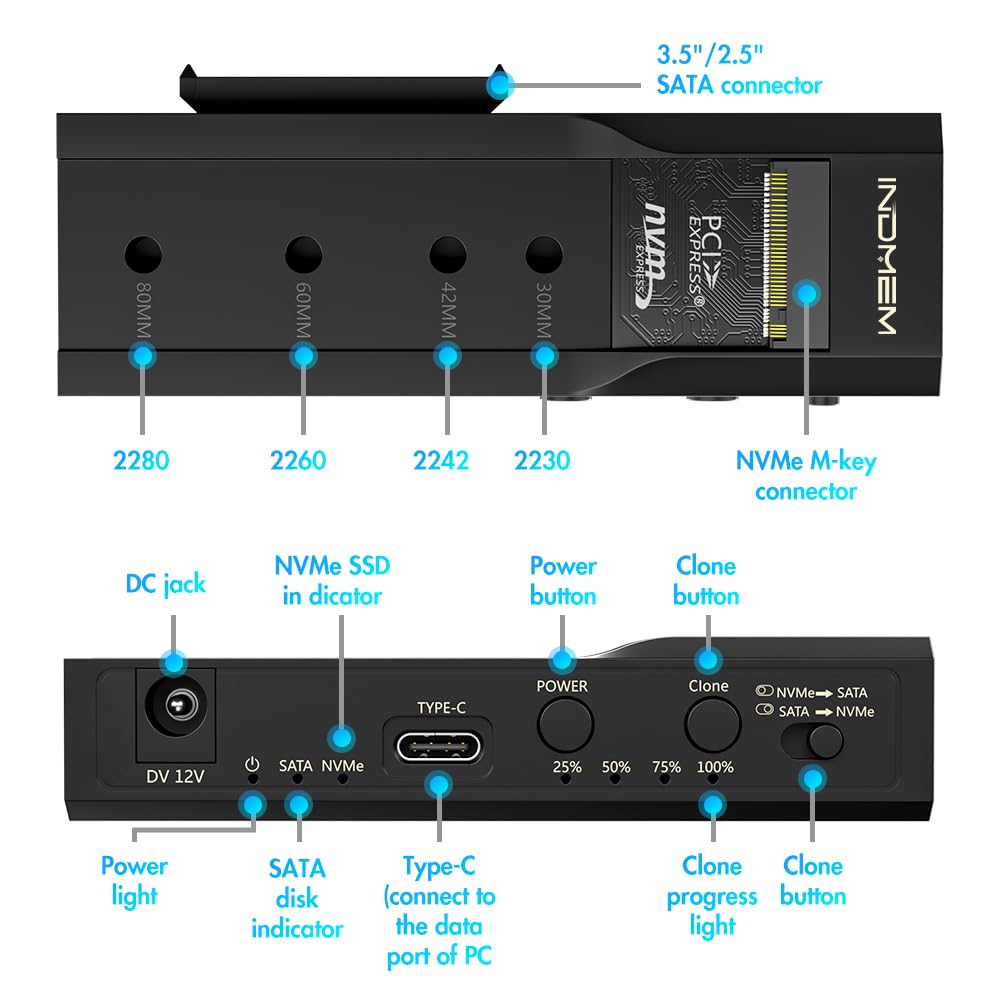
1.SATA SSD Installation: Align the 2.5“or 3.5” hard drive interface with the product's SATA interface and push it in parallel.
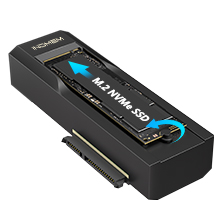
2.M.2 NVMe Installation:Install the silicone plug first, insert the hard drive into the M.2 NVMe slot at an angle of 45°, and adjust the silicone plug to secure the hard drive.
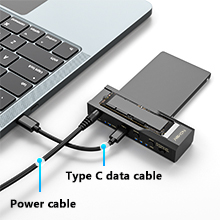
3.Connect the power supply: Plug the power supply into the DC port and connect the data cable to the TYPE-C port (the other end should be connected to the computer port)
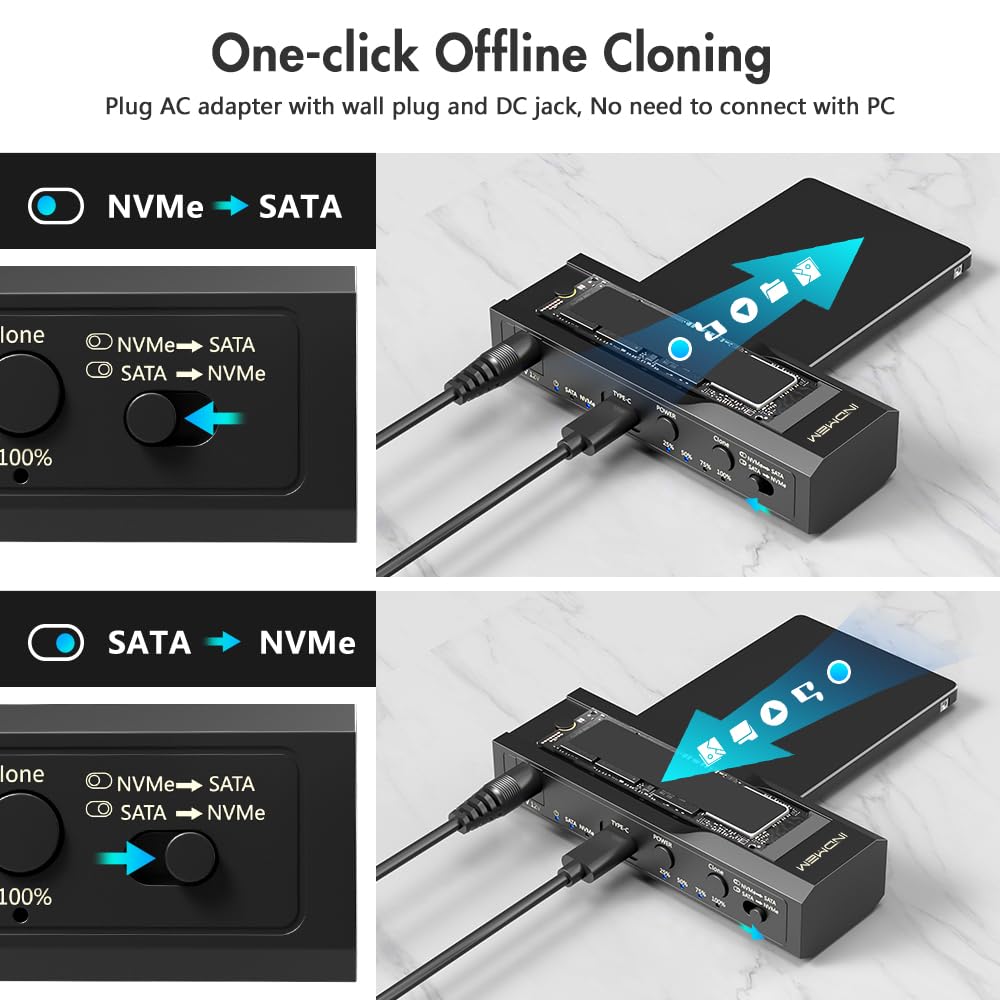
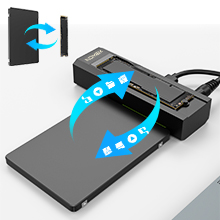
4.Bidirectional cloning: M.2 NVMe Adapter can clone SATA and SSD can clone NVMe when working.
LED indicator light-- Easy to observe the working status
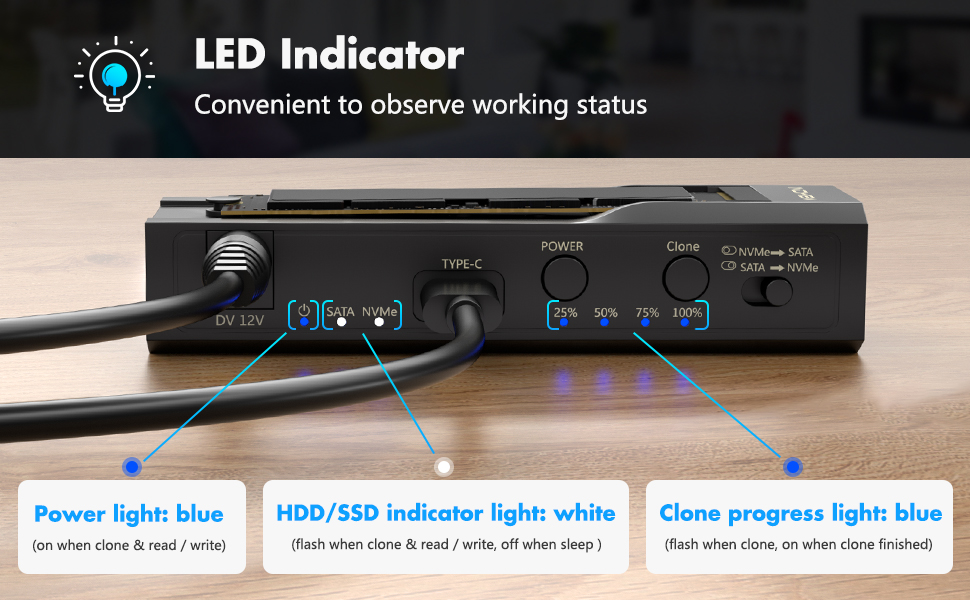
Manually select the clone mode--Supports two-way cloning of SATA SSD and M.2 NVMe SSD
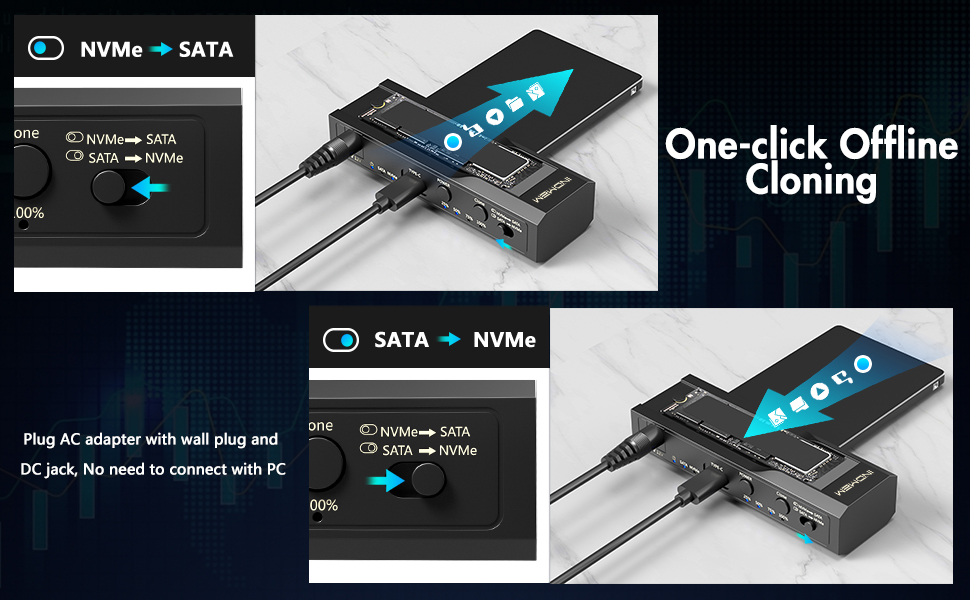
How to use it?
NVMe to SATA:
Select the CLONE mode, make sure the capacity of the target drive is lager than or equal to the source drive. Connect the power supply, turn on the POWER switch, the power light ups, than two drive indicators light up.
SATA to NVMe:
Press and hold the CLONE button for 5 seconds until the progress LEDs start flashing, release the CLONE button, wait approximately 1 second and than click the Clone button once, the clone progress lights will begin with the 25%/50%/75%/100% illuminating in turn.
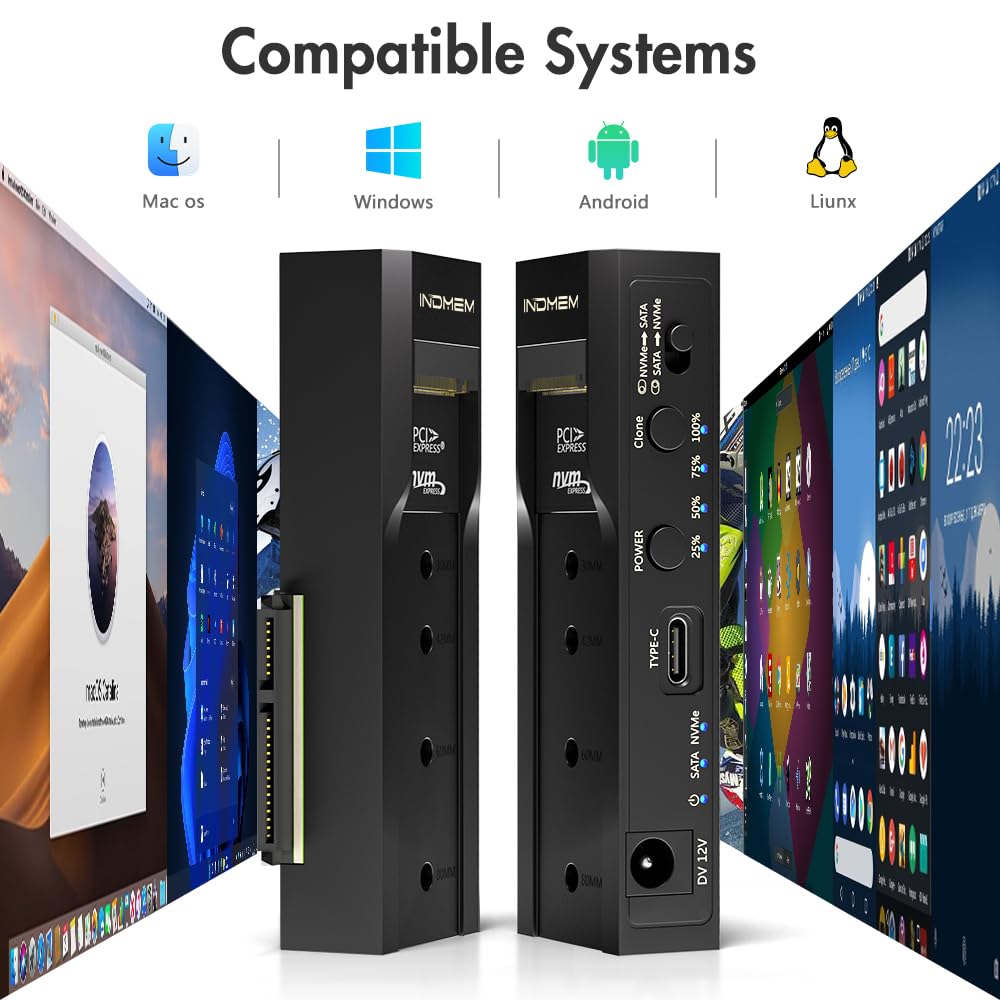
Compatible with Mac os/Windows/Liunx/Android
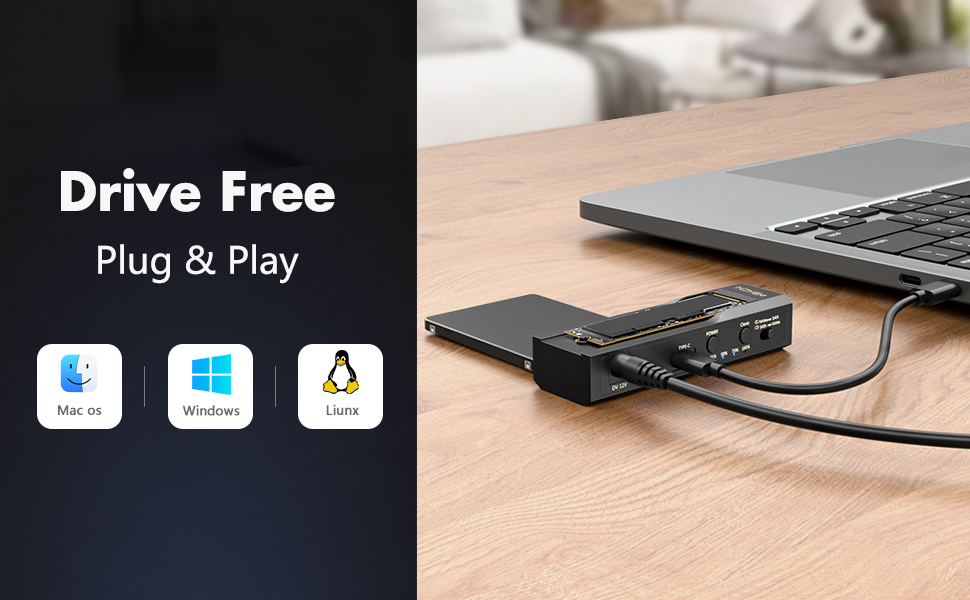
Compatible with Mac os/Windows/Liunx/Android




Product Information
Features & Specs:
Hardware Interface
USB Type C
Hardware Platform
Universal
Compatible Devices
Desktop, Laptop, Tablet
Hard Disk Form Factor
2.5 inches
Supported Devices Quantity
2
Data Transfer Rate
10 gigabits_per_second
Connectivity Technology
USB
Color
Black
Enclosure Material
Aluminum, Plastic
Model Number
Solid State Drive
Warranty Description
1 year
Built-In Media
M.2 NVMe SSD Enclosure Adapter, USB C cable
 Send Email
 JCcms
JCcms JCcms
JCcms